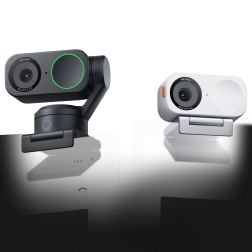
Insta360 Link 2 Pro & Link 2C Pro - Flagship AI-Powered 4K Webcam

Skip to main content
insta360
insta360
Highlights
01 Premium Image Quality
02 Crystal-Clear Audio
03 Tracking & Framing
04 Seamless Integration
05 Productivity Toolkit
Buy now
insta360
logo
Buy now
Watch intro
insta360
Truly exceptional.
bg
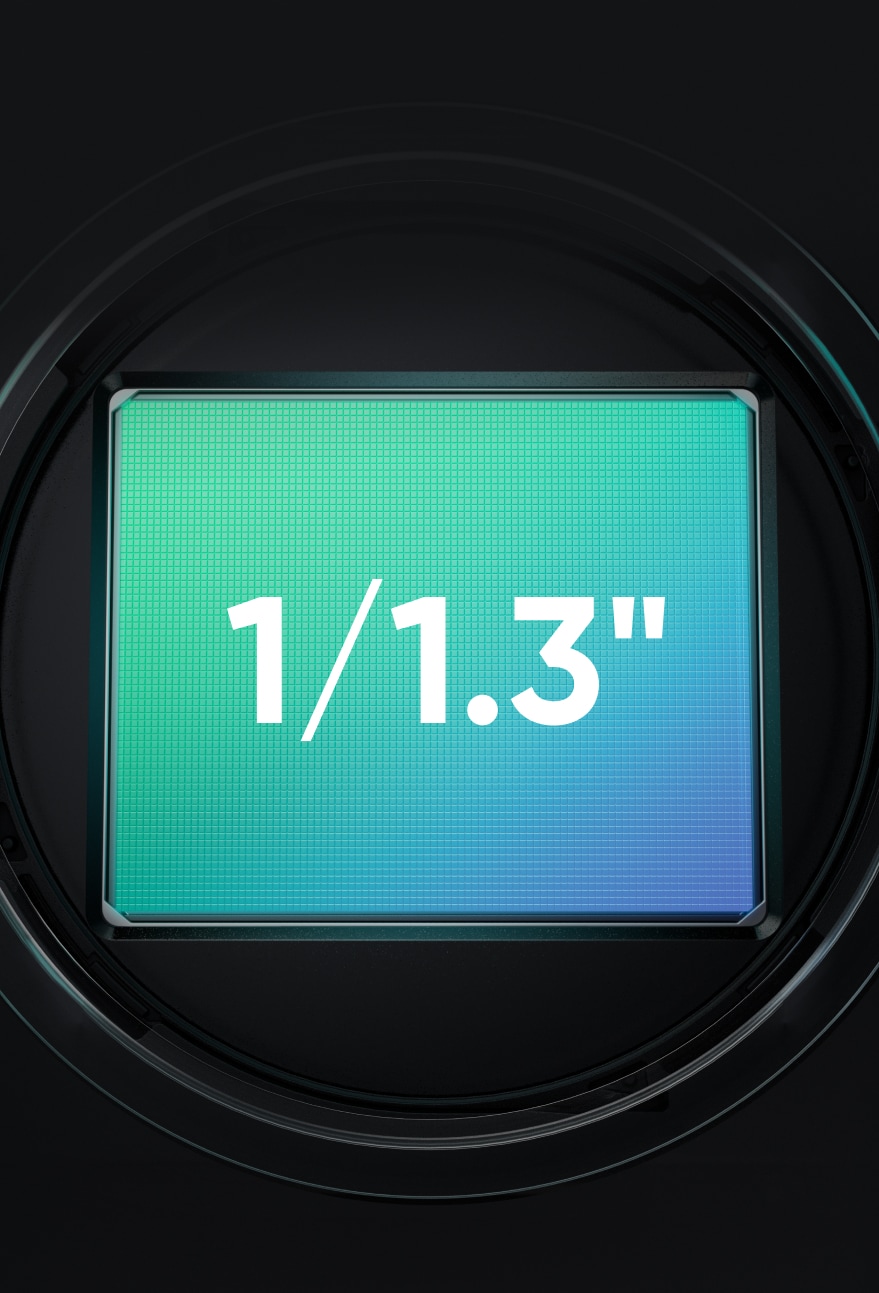
Low Light Excellence with 1/1.3‘’ Sensor
Best-in-Class Audio
bg
bg
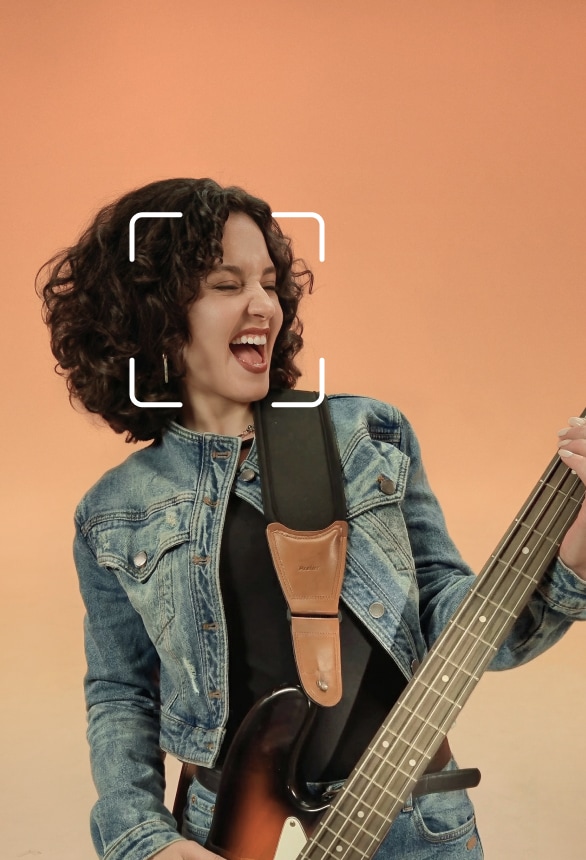
Al Tracking & Auto Framing
bg
Seamless Connectivity with Wave Speakerphone
bg
Natural Bokeh
bg
Professional Background
bg
Works with Stream Deck
1/1.3" SENSOR
Capture every detail.
A larger 1/1.3" sensor with 2.4 μm equivalent pixel size offers 2.23 times the photosensitive area of Link 2, delivering stunning detail and dynamic range.
2,23×
Larger photosensitive sensor area relative to Link 2
2.4μm
Max. equivalent pixel size
DSLR-Quality
for a Webcam
Others
Insta360 Link 2 Pro
EXCEPTIONAL LOW-LIGHT PERFORMANCE
The master of the night.
Clear, vibrant video in any condition, from dim home offices to bright studios. Advanced image processing ensures perfectly balanced visuals for better presentation.
Others
Insta360 Link 2 Pro
TRUE-TO-LIFE HDR
Captures true-to-reality.
Dual Native ISO with HDR preserves bright highlights and deep shadows simultaneously, for a realistic, balanced image.
On
Off
NATURAL BOKEH
Always in focus.
Intelligently recognizes people and adjusts depth of field in real time. Professional, cinematic, keeping you clear and sharp.
TRUE FOCUS
Always sharp, always ready.
Phase Detection Auto Focus (PDAF) locks on with speed and precision. Fast, reliable, crisp focus.
Others
Insta360 Link 2 Pro
Crystal-Clear Sound
PROFESSIONAL AUDIO
Upgraded dual-mic system, engineered for clarity.
Features both a directional and omnidirectional mic for richer, broadcast-ready fidelity.
4 SMART PICKUP MODES & AI NOISE REDUCTION
Clarity in every environment.
mutedunmuted
modesmodesmodesmodes
Standard
Wide
Focus
Original
Captures surrounding audio, enhances and emphasizes voices, and slightly reduces background noise. Suitable for general use.
For single and multi-person meetings or live streaming. Captures and enhances all voices in front of the device, and automatically suppresses environmental noise and voices coming from behind the webcam.
Best for noisy environments such as workstations or cafés. Features a more focused pickup range, prioritizing and enhancing voices within approximately 1 meter in front of the device, and automatically suppresses environmental noise and other voices.
Captures surrounding sound without applying noise reduction, preserving the original audio as accurately as possible. Suitable for scenarios requiring high-fidelity audio.
See the difference upgrading makes.
vs. Link 2 Series
vs. Laptop Webcams
icon
Larger sensor
2.23×
Advanced visuals with Dual Native ISO. More light, richer detail, stronger low-light performance.
icon
Patented Sound Wall System1
Directional Pickup
Dual microphones focus on the active speaker while reducing background voices and room noise for clearer communication.
icon
Wider View
84° FOV
A wider frame keeps you fully in view, capturing natural movement and gestures without feeling cropped.
icon
Pro Imaging
Sharper. Brighter.
A larger sensor captures more light than laptop webcams, reducing noise and keeping your image clear.
icon
Pro Audio
Clearer Focus
Advanced noise reduction cuts echo and background noise, so your voice stays clear and natural.
icon
Pro Tracking
AI Real-Time Tracking
Follows your movement smoothly, keeping you in-frame as you move.
Customizable Tracking
AI TRACKING & AUTO FRAMING
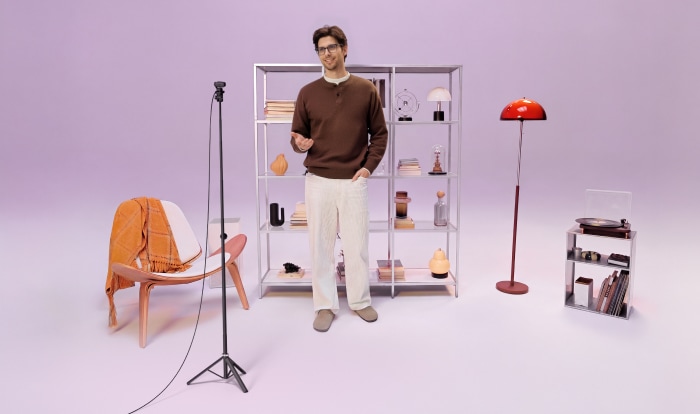
Move freely, stay in frame.
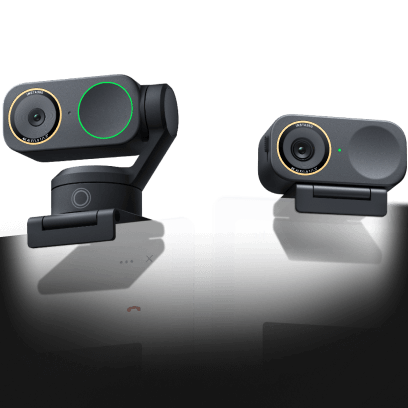
Link 2 Pro
Physically pans and tilts to follow your movements around the room. Choose whether to track a single person, or full group, all with just a click!
Link 2C Pro
Automatically zooms and adjusts to keep everyone clearly in sight, whether it's one person or a group.
ADVANCED TRACKING CONTROL
Focus where it matters.
Tracking Area
Limit tracking to defined zones for consistent framing and privacy.
Pause-Track Area
Set zones where tracking pauses naturally. Keep focus only where you need it.
*Only available on Insta360 Link 2 Pro.
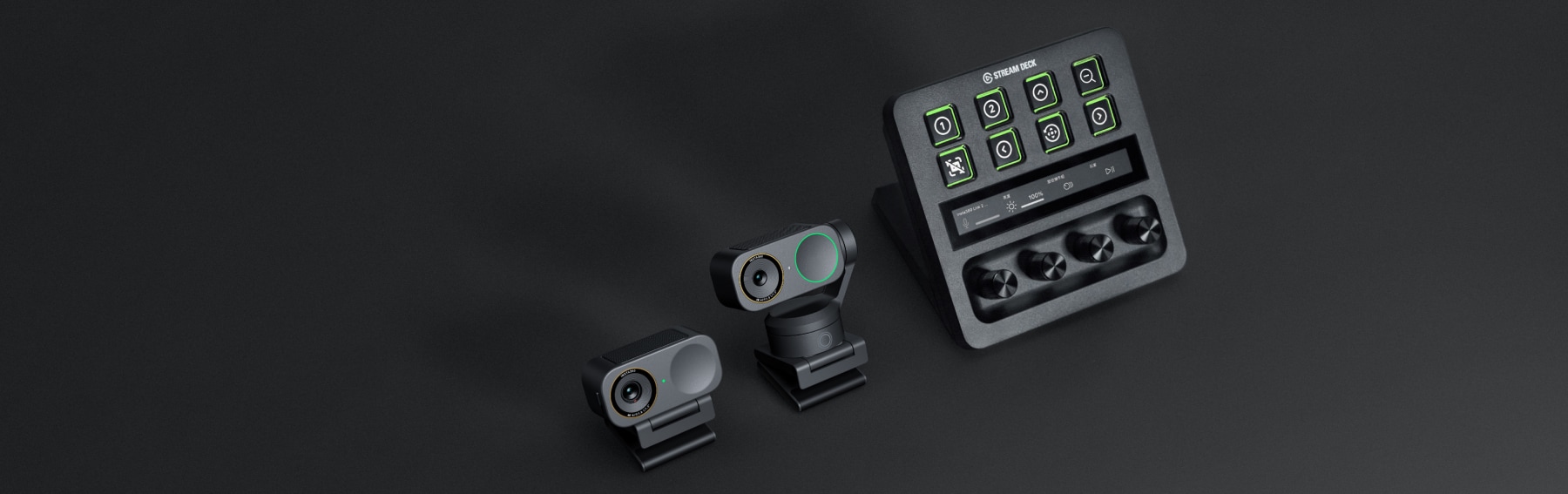
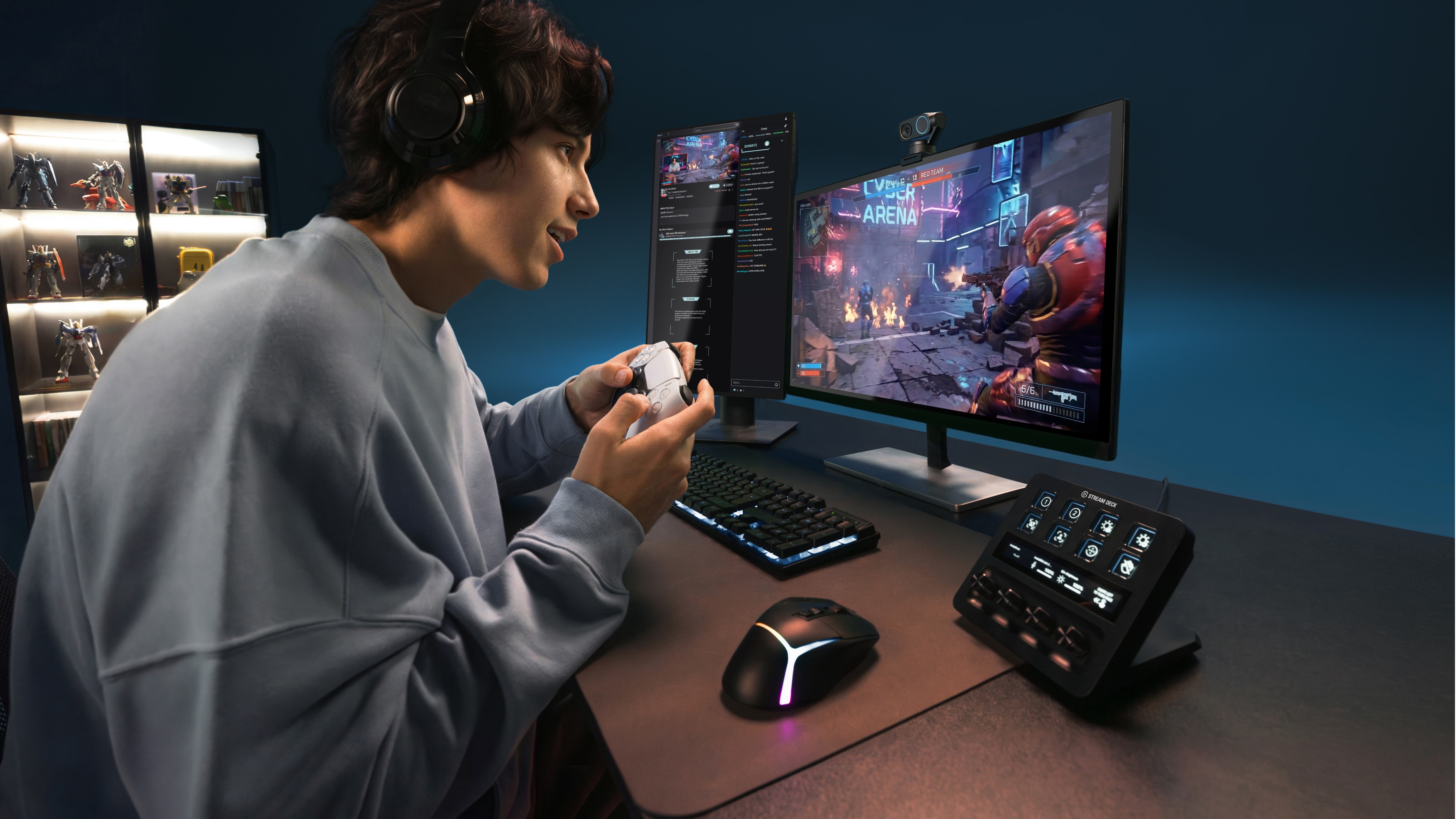
STREAM DECK CONTROL
Integrated with Elgato.
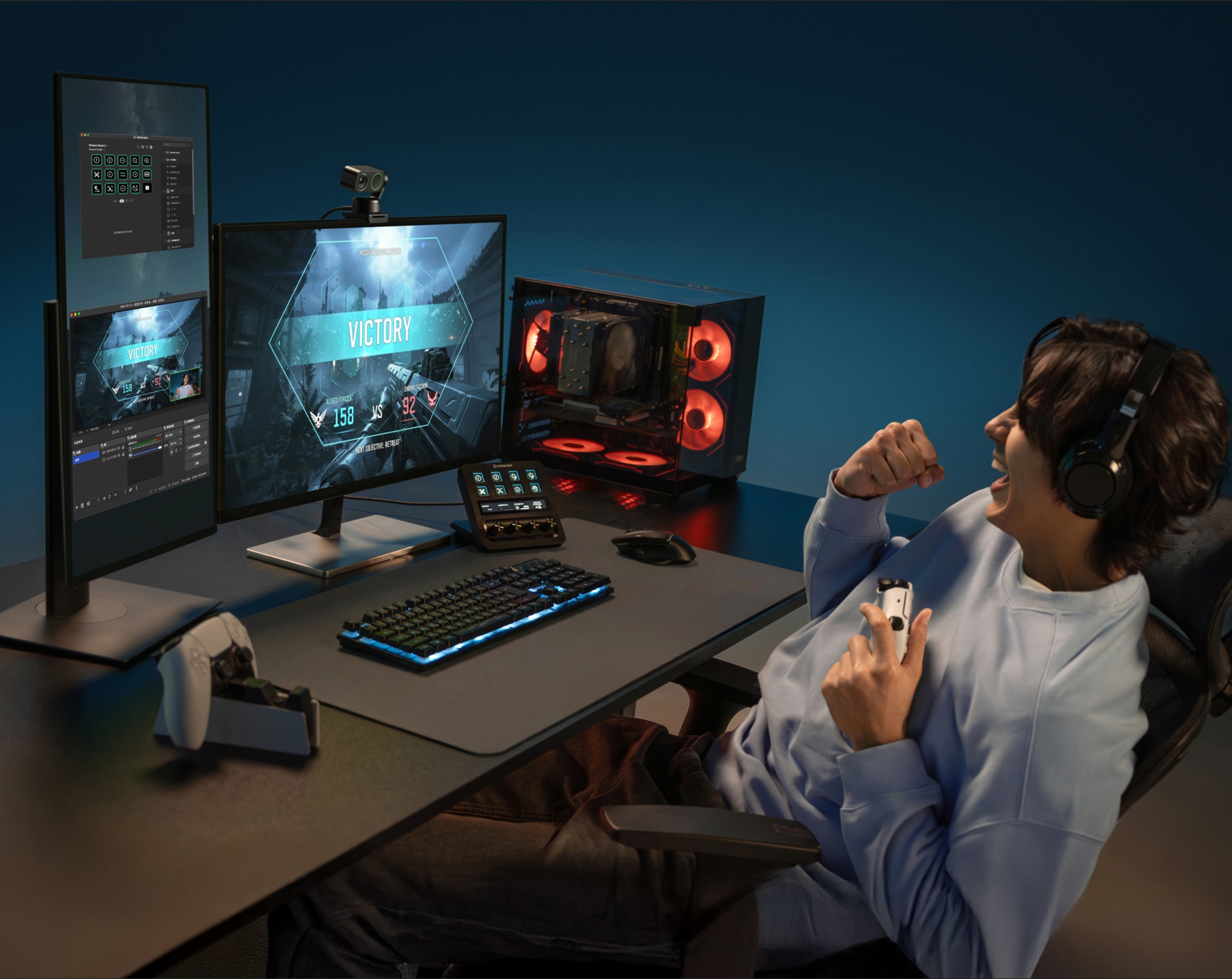
Instant access and control. Switch and adjust multiple cameras, tweak settings or modes, and trigger presets with a single tap on Elgato Stream Deck. You can even control multiple Links simultaneously!
marketplace
INSTA360 WAVELINK PRO
Smarter together.
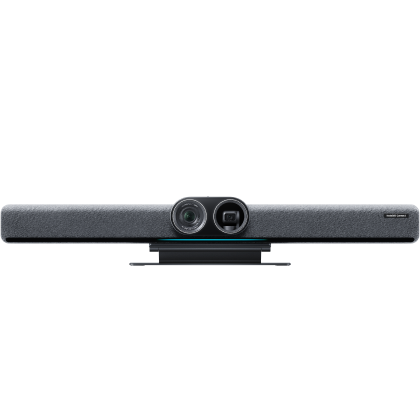
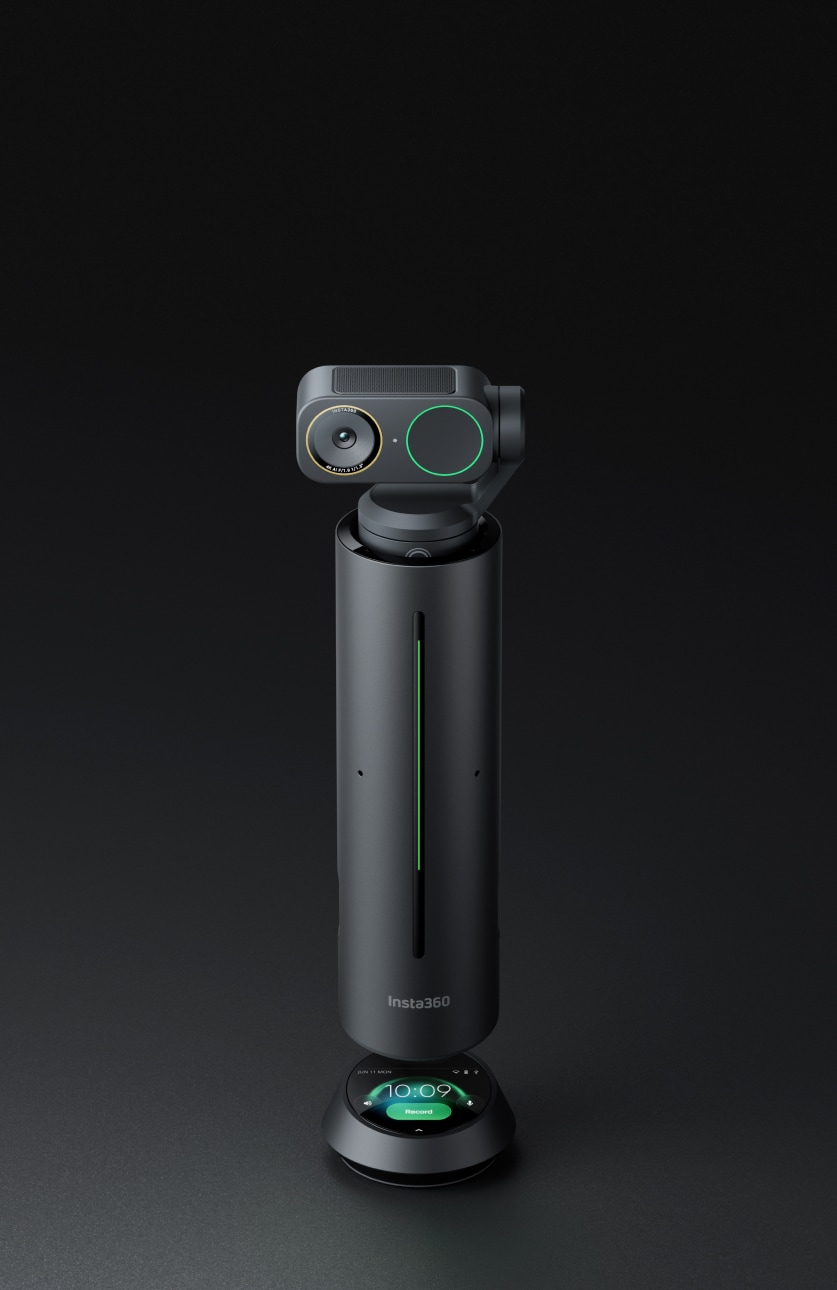
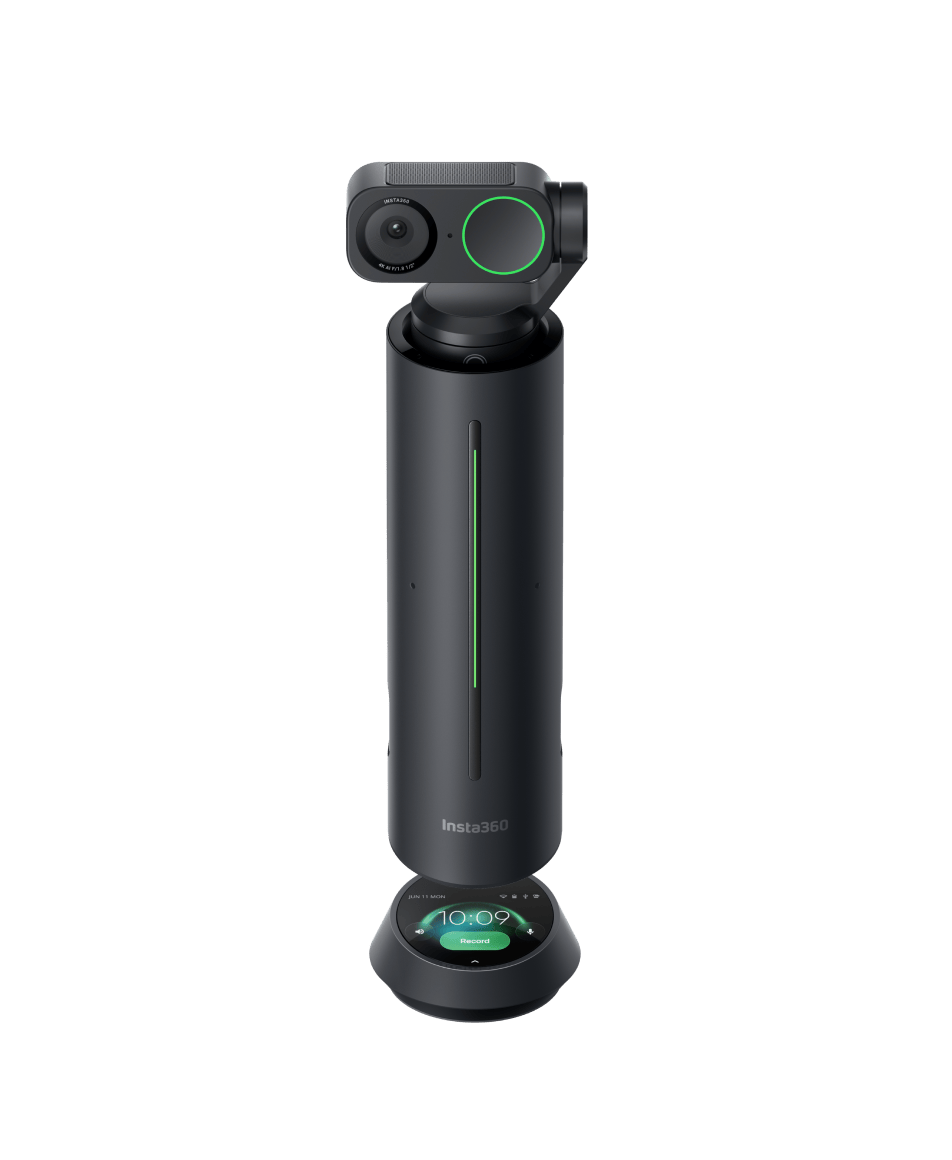
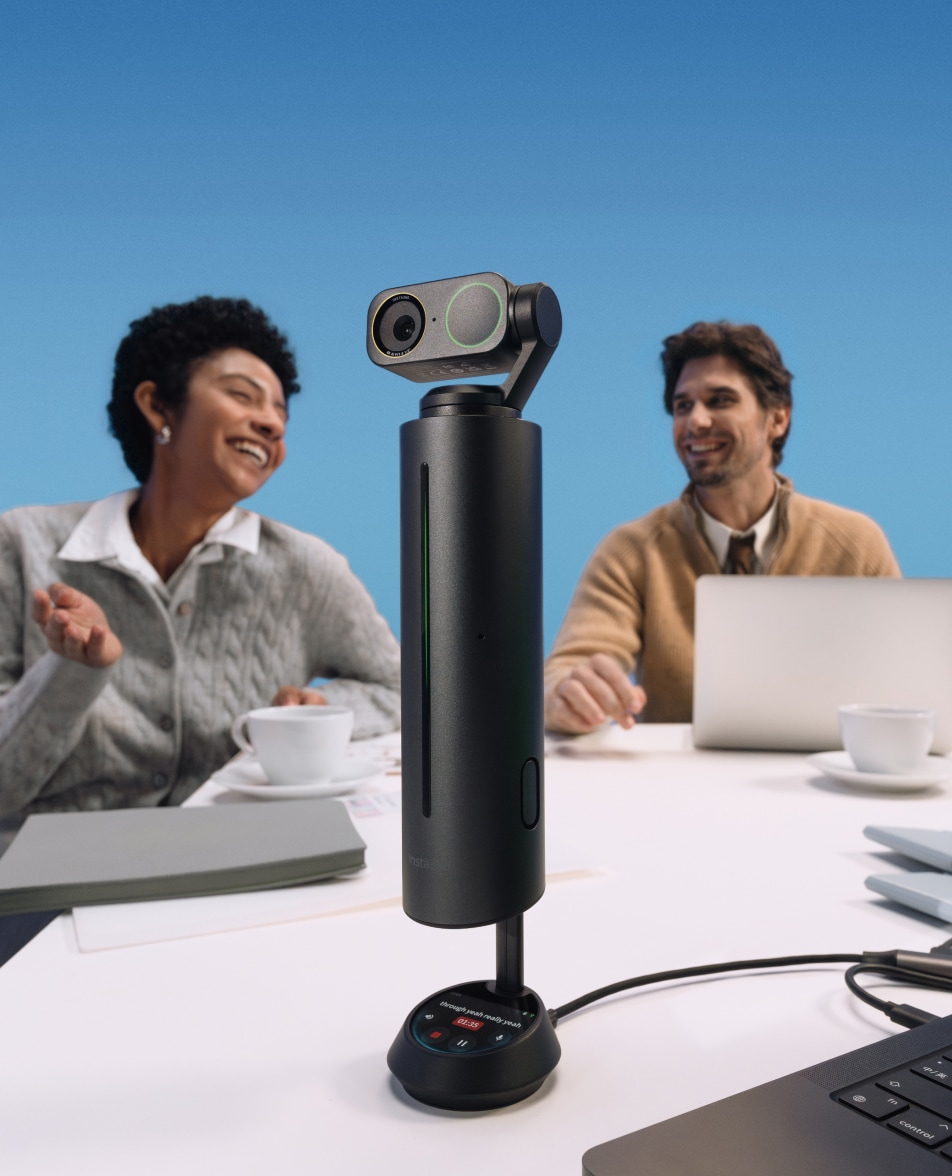
Group Insta360 Wave with Link 2 Pro for an all-in-one solution. Wave’s DOA technology detects who’s speaking and directs Link 2 Pro’s focus automatically, making every discussion clear and natural.
kv
Smarter Angles, Sharper Delivery
WHITEBOARD MODE
Clarity made simple.
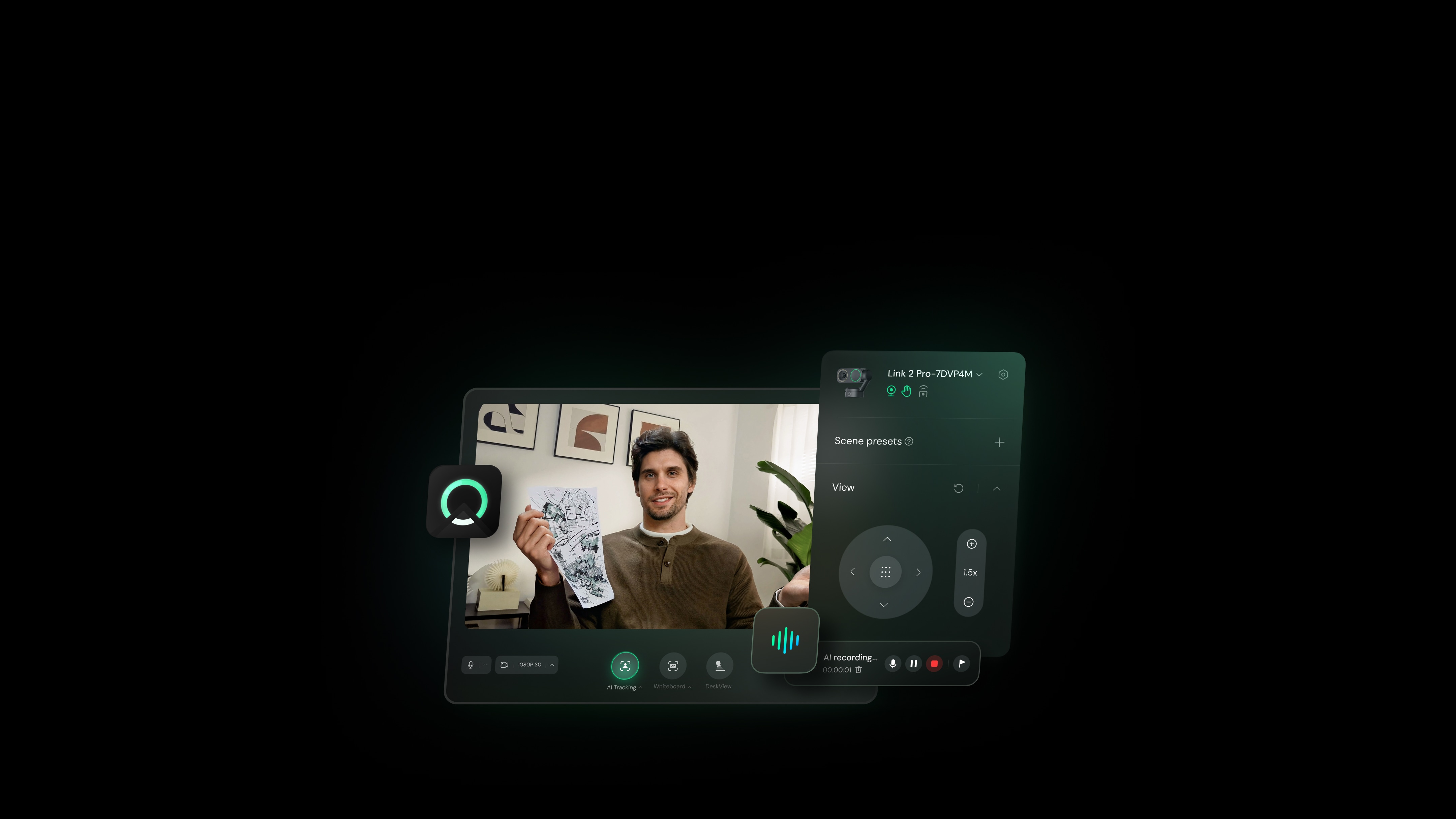
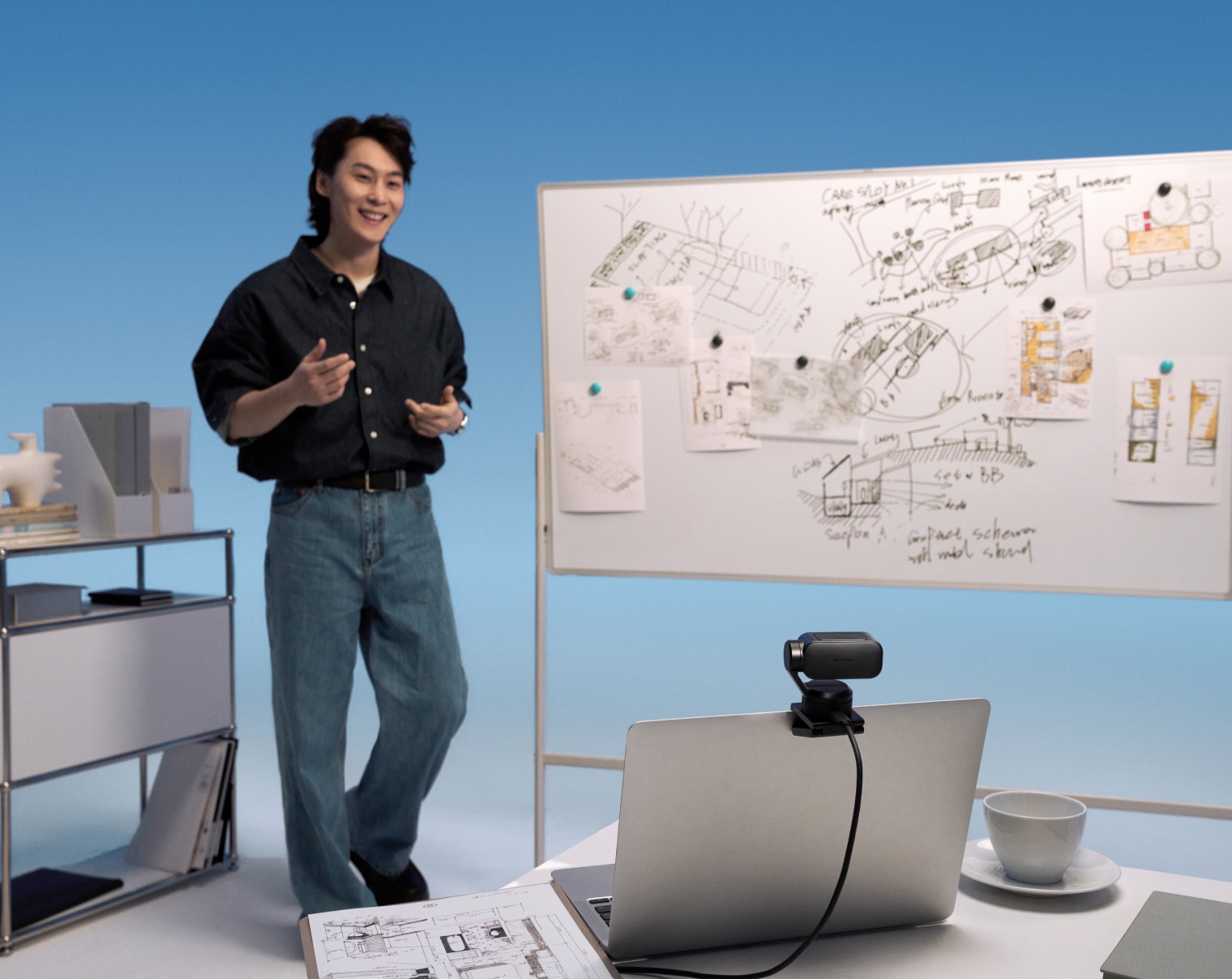
Bring ideas to life in perfect detail. Wave your hand, and AI instantly detects your whiteboard and enhances it in real time, giving you a clear, distortion-free view. You can also toggle it anytime via the Controller.
DESKVIEW MODE
Your desk, perfectly displayed.
Tilt down to share your workspace in real time. Ideal for showing sketches, documents, or demos with total ease.
*For Insta360 Link 2C Pro, adjust the mount manually, then fine-tune the angle in Link Controller.
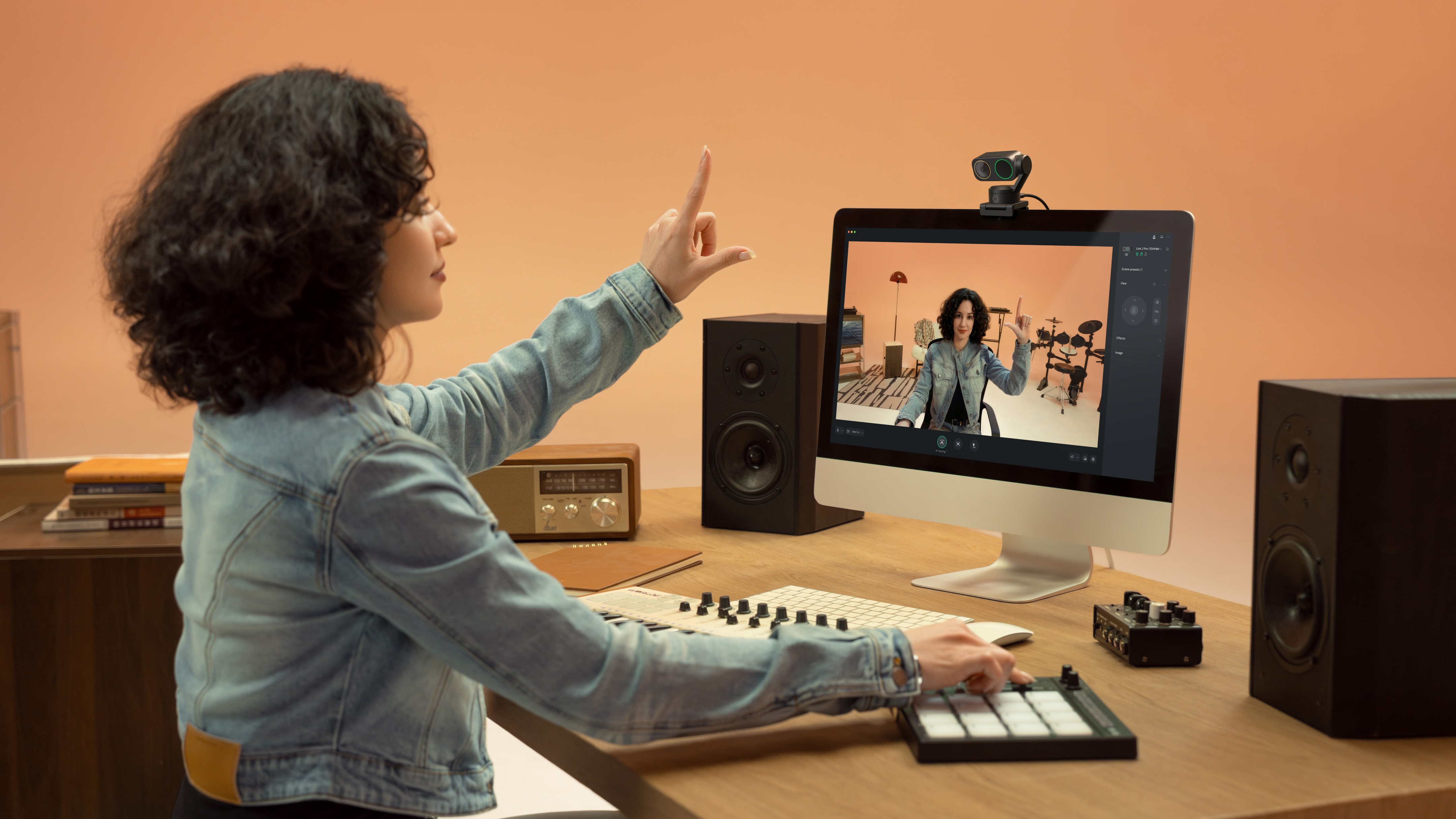
GESTURE CONTROL
Control, hands-free.
Stay focused on what you’re doing while Link 2 Pro follows your lead. Use gestures to switch modes, track, or zoom in or out.
icon
Activate AI Tracking/ Auto Framing
icon
Enable Whiteboard Mode
icon
Zoom In/Out
PORTRAIT MODE
Perfectly vertical, instantly social.
Switch to native 4K 9:16 capture for flawless vertical video. Just rotate the camera and you’re social-ready in seconds—no cropping needed.
kv
Link Controller
Smart Meetings, Simplified Efficiency
INSTA360 INSIGHT — AI MEETING ASSISTANT
Accurate transcription, efficient summaries.
AI Transcription & Visual Summaries
Instant Highlights
AI Assistant
Transcribes meetings and visualizes with high accuracy. Auto-generates meeting summaries with multiple templates for quick review and sharing.
Add markers to capture key points. Auto-generate overviews of meeting content with highlights built in.
Ask anything about your meeting, or let AI draft emails, reports and summaries based on the discussion. Faster, smarter, traceable.
*Some premium features require a paid subscription.
Learn more
VIRTUAL BACKGROUND
Stay sleek.
Background Replacer
Green Screen
Background Blur
Whatever the mood, use your own custom images or our selection.
Achieve a precise, professional setup with keying built into our software.
Effortless privacy that your viewers will barely notice. Customize based on your needs.
*Virtual Backgrounds require specific system requirements to run. Please check the compatibility list in Specs for details.
SCENE PRESETS
A simpler, one-tap change.
Save your preferred camera angle, effects, and AI features, then switch instantly between work, streaming, or creative setups.
BEAUTIFY & MAKEUP
Natural, confident, effortless.
Optimize skin tones or apply subtle makeup with one tap. Look your best in a click!
SMARTPHONE CONTROL
Right at your fingertips.
Control the webcam from your phone. Adjust settings, change modes, and fine-tune your look, all in the palm of your hand.

Works with all major platforms, including Zoom, Microsoft Teams, Twitch, and more.

*Video resolution subject to platform limitations.
PRIVACY MODE
Complete protection.
Link 2 Pro
Link 2C Pro
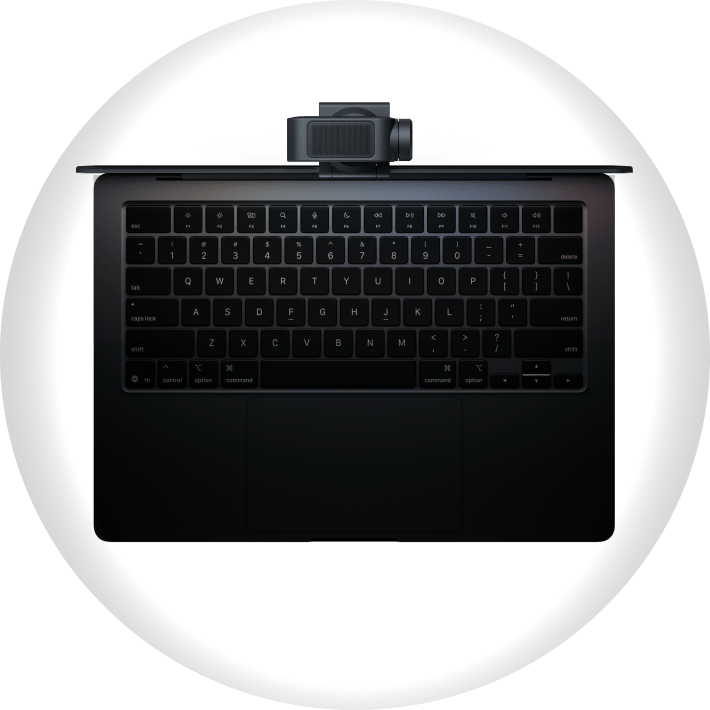
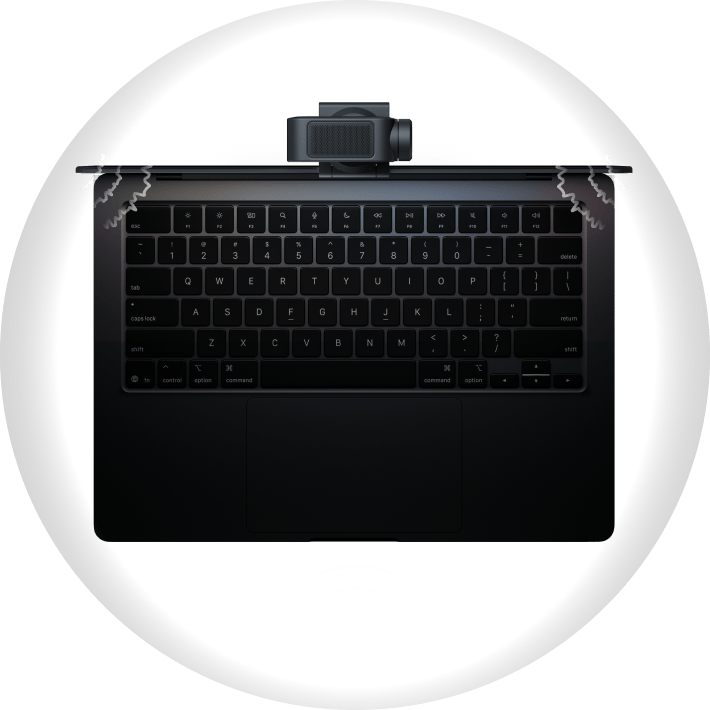
Insta360 Link 2 Pro enters Sleep Mode after 10 seconds of idling, or simply push it down.
Pro 
GamingStreamingMeetingTeaching
Link 2 & 2C Pro
Buy now
insta360
insta360
insta360
insta360
insta360
Comparison
icon
1/1.3" Sensor
icon
1/2" Sensor
icon
84° Max. FOV
icon
79.5° Max. FOV
icon
Dual Native ISO
icon
Single Native ISO
icon
Dual Mics (Omnidirectional + Directional)
icon
Single Mic (Omnidirectional)
icon
AI Noise-Canceling + Beamforming
Standard Wide Focus Original
icon
AI Noise-Canceling
Voice Focus Voice Suppression Music Balance
icon
Link 2 Pro: AI Tracking Link 2C Pro: Auto Framing
icon
Link 2: AI Tracking Link 2C: Auto Framing
icon
Compatible with Wave speakerphone (Link 2 Pro)
icon
Compatible with Wave speakerphone (Link 2)
icon
Compatible with Elgato Stream Deck
icon
Compatible with Elgato Stream Deck
Specs
insta360
insta360
Video
Sensor Size
1/1.3"
1/1.3"
Video Resolution
Landscape: 4K@30/25/24fps 1080p@60/50/30/25/24fps 720p@60/50/30/25/24fps 360p@30/25/24fps Portrait: 4K@30/25/24fps 1080p@60/50/30/25/24fps 720p@60/50/30/25/24fps
Video Coding Format
H.264, MJPEG (4K and 1080p60fps Portrait mode do not support H.264)
Exposure Compensation
±3 EV
±3 EV
ISO
Dual Native ISO 100~3200
Shutter Speed
1/8000~1/30s
1/8000~1/30s
White Balance
2000~10000K
2000~10000K
Aperture
F/1.9
F/1.9
35mm Equivalent Focal Length
24 mm
24 mm
Fixed FOV
83.9º DFOV, 71.4º HFOV
Digital Zoom
Up to 4×
Up to 4×
Autofocus
Supported (Focus distance: 12cm–∞)
HDR
Supported
Supported
Microphones
2
2
Noise Reduction
AI Noise-Canceling
AI Noise-Canceling
Audio Modes
Standard, Wide, Focus, Original
Modes
AI Tracking, Smart Whiteboard, DeskView, Virtual Background
Auto Framing, Smart Whiteboard, DeskView, Virtual Background
Gimbal
Gimbal
2-Axis
None
Hardware
Button
1× Touch Key
1× Touch Key
Connectivity
USB-C Cable (USB 2.0) or USB-C to USB-A adapter
Power Consumption
5V/1A
5V/1A
Mounting Options
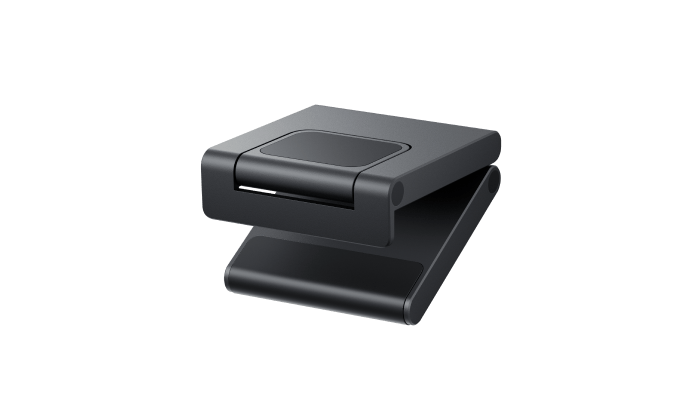
Magnetic Mount with 1/4" mounting point for external tripod
Dimensions (W × H × D)
71.3×58.9×38mm (2.8×2.3×1.5in)
62.7×30.2×26mm (2.5×1.2×1in)
Weight
Without Magnetic Mount: 102.5g (3.6oz) With Magnetic Mount: 167.5g (5.9oz)
Without Magnetic Mount: 48.5g (1.71oz) With Magnetic Mount: 113.5g (4oz)
Operating Temperature
32°F to 104°F (0°C to 40℃) *Tested in a lab environment.
Color
Graphite Black
Graphite Black
System Requirements
CPU
i5-5 generation or later (advanced features require i5-10 generation or later)
RAM
8GB or above (advanced features require 16GB or above)
Link Controller
Windows: Windows 10 or later. Does not support ARM-based Windows. Mac: macOS 10.13 or later. Virtual Camera requires macOS 13.0 or later.
Background Blur & Background Replacer
Windows: Supports all NVIDIA GPUs. AMD GPUs may experience compatibility issues; please contact the Insta360 Customer Service team before purchasing. Verified AMD GPUs include Radeon (TM), RX Vega 10, 780M, RX 560, RX 6600 and RX 6750 GRE. Mac: macOS 13.0 or later.
Green Screen
Windows (NVIDIA GTX 1050 Ti & above): Up to 4K Windows (NVIDIA below 1050 Ti): Not supported Windows (Non-NVIDIA GPUs): Up to 4K macOS (Apple Silicon): Up to 4K macOS (Intel): Up to 1080p
Natural Bokeh
Windows: NVIDIA GTX 1080 or later, RTX 2060 or later GPUs. Does not support AMD GPUs. Resolution support (depends on GPU capability): Desktop GPUs: Compute capability 8.6 or higher: Supports 4K and below Compute capability below 7.5: Supports 1080p and below Laptop GPUs: Compute capability 8.9 or higher: Supports 4K and below Compute capability below 8.6: Supports 1080p and below For GPU specs, visit NVIDIA’s official page. Mac: M1 chip or later. Does not support Intel chips. *Insta360 Virtual Camera is automatically installed with Link Controller. Virtual Camera supports Smart Whiteboard Mode, Natural Bokeh, Background Blur, Background Replacer, Beautify and Makeup. Virtual Camera does not support 50fps or 60fps. Beautify and Makeup do not support 4K resolution.
1. China patent pending: CN202511291536.8. Noise reduction performance is based on Insta360 laboratory testing under specific conditions.

Questions about products? Chat with us nowguide
service
Chat
Office Hours: 24/7
Start now
phone
Purchase Support
weixin
Technical Support
close
insta360